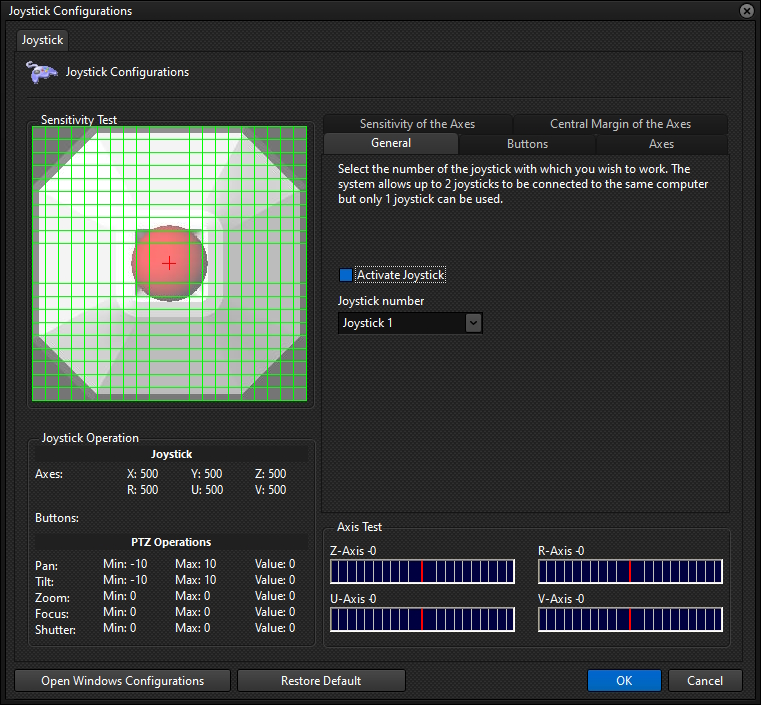
•Activate Joystick: Activates the use of physical Joystick to control PTZ cameras.
•Joystick Number: Select the joystick number (Configured in the Operating System).
•Open Windows Settings: Opens the operating system's joystick manager.
•Restore Default: Restores default values for all settings.