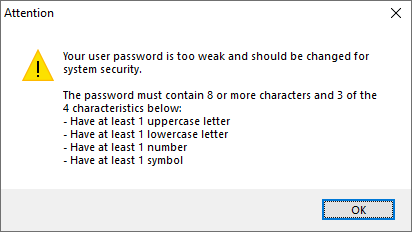
The system allows users to use a strong password. A strong password must contain at least 8 characters and 3 of the 4 characteristics below:
•Contain at least 1 lowercase character
•Contain at least 1 uppercase character
•Contain at least 1 number
•Contain at least 1 symbol
When activating the option to force the use of a strong password, new users can only be registered with a strong password. The system also allows you to force the change of a weak password (If the user is currently using a weak password) on the user's next login through the Surveillance Client or Administration Client.
The use of a strong password only applies to native system users and not to LDAP/Active Directory users, where the strong password requirement must be applied directly on the domain controller.

•Force user to change weak password on next login: If you already have users registered before activating the option to use a strong password, you can activate this option to force users with a weak password to change their password the next time they log in through a Desktop client (Surveillance or Administration).
The system will issue a weak password alert when the user accesses the server through the Administration Client with a password that does not meet the minimum security levels.