This screen provides us with information about the camera's disk space usage.
To access this feature, click on the Disk tab as shown in the figure below:
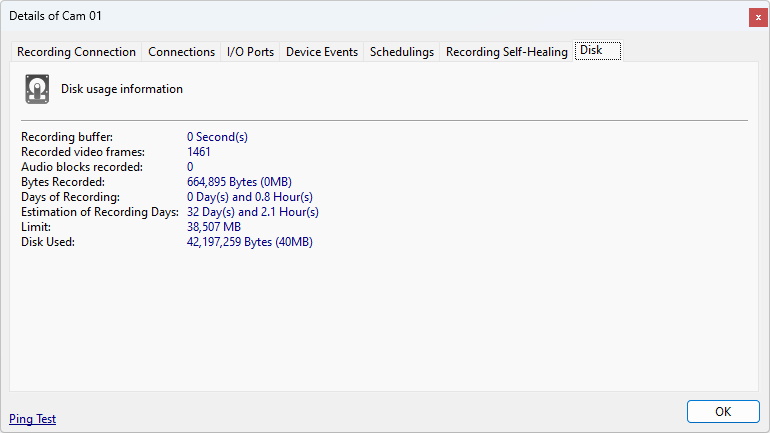
•Recording Buffer: Current size of the Recording Buffer. A high value (above 5 seconds) may mean disk performance problems.
•Recorded Video Frames: Total number of video frames recorded since activation or parameter change.
•Recorded Audio Blocks: Total number of audio blocks recorded since activation or parameter change.
•Bytes Recorded: Recorded bytes of the camera since its activation or parameter changes.
•Recording Days: Number of days stored on disk.
•Estimated Recording Days: Approximate estimate of recording days based on current allocated disk space for the camera.
•Limit: Limit allocated for recording camera footage.
•Disk Used: Disk space used by camera footage.