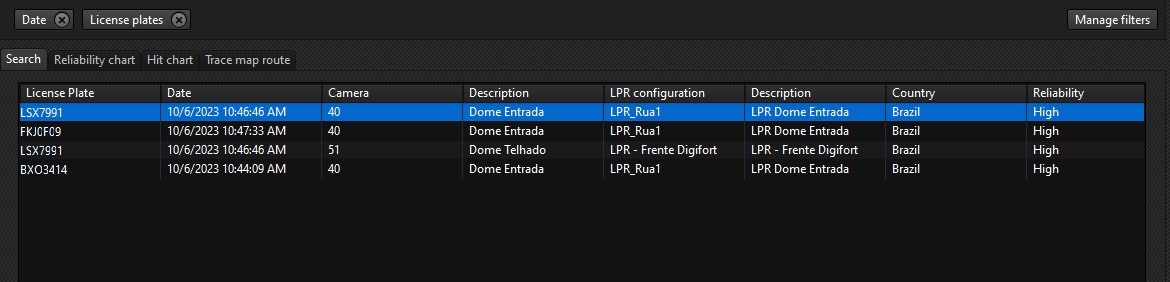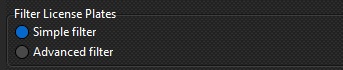
In the simple search, the entire license plate will be searched, i.e. what you type will be searched for, as shown in the figure below:
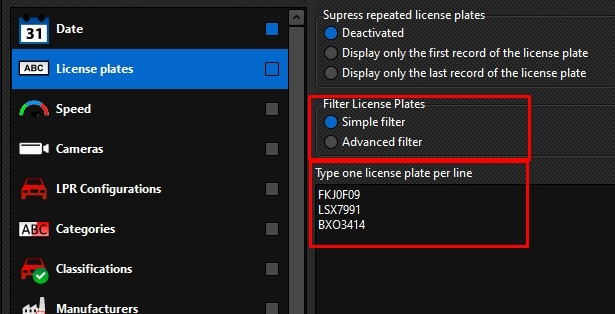
After typing the license plate of interest click OK.
Choose the time interval for searching the records. Click OK and then on the main search screen click Search: