This action will cause the camera to be replaced in its current screen space by the object referenced by the link (if the link leads to an object, if it is an event, the camera will remain on the screen):
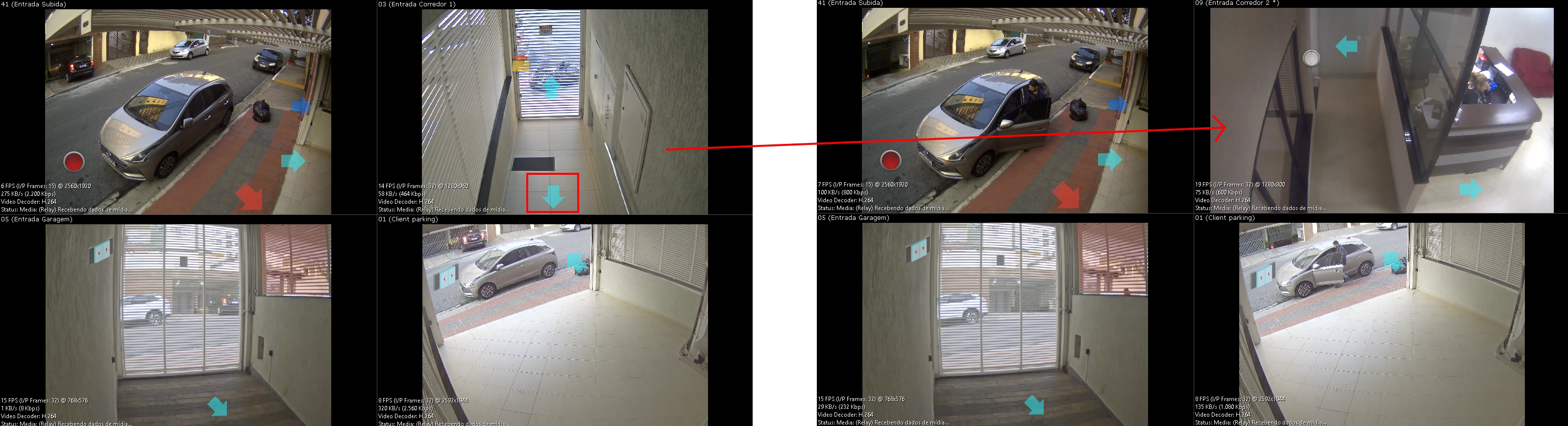
In the example above, when executing the top right camera link, through its configured shortcut (Default Click), the linked camera will be displayed, replacing the original camera in its space.
If the link is to a Public View, all objects on screen will be removed, and the referenced view will be loaded.