The object type filter allows you to search for audit records according to the type of object affected.
To add the filter, click on Manage Filters, then click on the Object Type tab.
To activate the filter, click on the checkbox to the right of the filter.
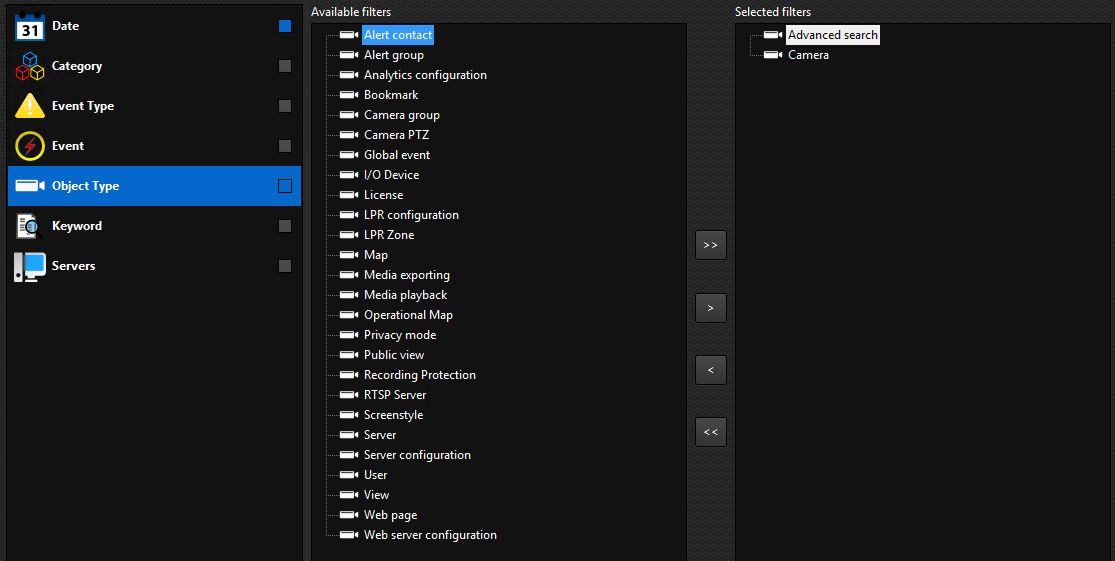
Select the items you want by dragging from the left list to the right list.